What's new in ScribeKit 1.0.1
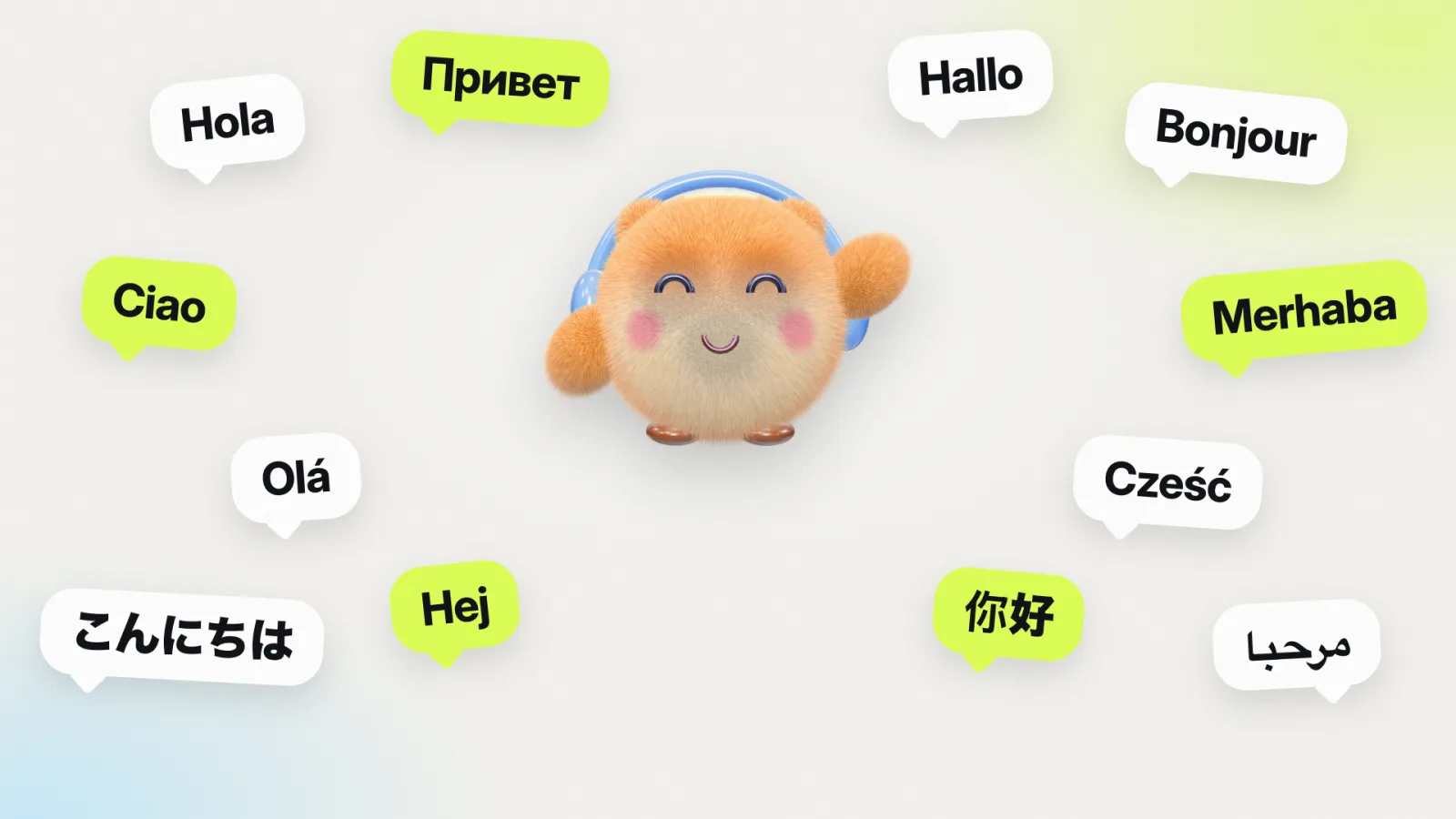
- The whole app is translated. Every screen, button, alert and setting, plus the parts outside the app: the Home Screen and Lock Screen widgets, the recording Live Activity on the Lock Screen and in the Dynamic Island, the share sheet you use to send audio to ScribeKit, and the microphone permission prompt.
- Arabic reads right to left. The layout mirrors for Arabic, the way iOS apps should.
- You can pick the app's language. ScribeKit uses your iPhone's language by default. Settings › Language lets you run it in a different one.
- Better language detection with Whisper. When a Whisper model is set to detect the language automatically, it now recognizes the spoken language reliably. Before this fix, a Japanese or Turkish recording could come out in English instead of the language spoken.
How to change ScribeKit's language
If your iPhone is set to one of the 13 languages, ScribeKit already shows it. To use another language just for ScribeKit:
- Open ScribeKit and tap Settings.
- Tap Language. This opens ScribeKit's page in the iPhone's Settings app.
- Choose the language.
You can also get there without opening ScribeKit: Settings › Apps › ScribeKit › Language on the iPhone. The rest of your iPhone stays in its own language.
App language and transcription language are two different things
The app language is what the menus are in. It has no effect on what ScribeKit can transcribe. A German speaker can run the app in German and transcribe an English lecture, or the other way round.
- Free, built in: the Parakeet model transcribes 25 European languages and detects which one is spoken. That covers Spanish, Russian, German, French, Italian, Portuguese, Polish and Swedish from the new list, along with Ukrainian, Dutch, Greek and 14 more.
- ScribeKit Pro: the optional Whisper models add 100+ languages, including Japanese, Chinese, Turkish and Arabic. Each model is downloaded once and then works offline.
The full list of built-in languages, and how they compare with the ten Apple's Voice Memos transcribes, is in Voice Memos transcription languages. Which model to choose is covered in Parakeet vs Whisper on iPhone.
Why the language detection fix matters
Whisper can either transcribe in a language you pick or detect it from the audio. In 1.0, the "Detect automatically" setting did not actually detect: it assumed English, so a recording in Turkish, Japanese or Chinese could come out as English text instead. If you choose the language yourself, nothing changes; that path was always correct. If you use automatic detection, 1.0.1 now hears the language you speak.
If a transcript from 1.0 came out wrong for this reason, open it and use Re-transcribe. The audio is still on your phone, so it runs again with the fixed detection.
Translated, not machine-dumped
Every string was translated for the context it appears in, checked against Apple's own wording for that language, and checked on screen, with extra care for the longest language (German) and the right-to-left one (Arabic). If a word reads oddly in your language, write to the email in the app. It goes to the person who made it, and fixes go into the next update.